
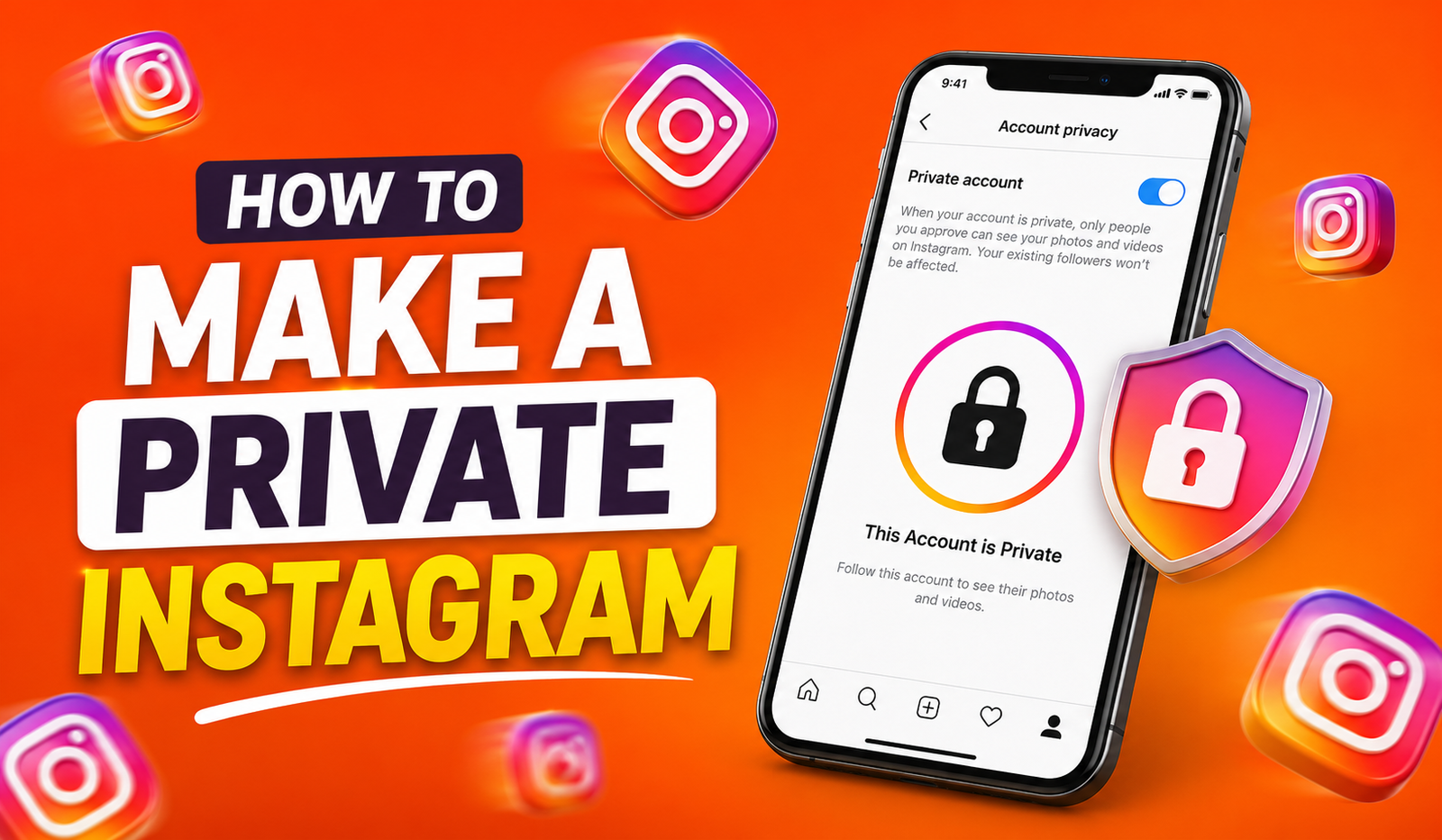
Instagram lets you connect with friends, share photos, and post videos, but not everyone wants their content to be public. If you prefer more privacy, switching your account to private is a simple and effective solution. A private account allows only approved followers to view your posts, stories, reels, and other shared content. Anyone new who wants to follow you must first send a request, giving you full control over who can access your profile. Existing followers will continue to see your content unless you remove them. Whether you use Instagram on an Android phone, iPhone, or desktop browser, the process is quick and easy. In this guide, you’ll learn how to make your Instagram account private, understand what changes after enabling this setting, and discover useful tips to protect your personal information while enjoying a safer and more secure Instagram experience.
Why Should You Make Your Instagram Private?
A public Instagram account allows anyone to view your posts, stories, and profile information. While this can help you reach more people, it also means strangers can access your content.
Making your account private gives you more control over your privacy. Only people you approve can follow you and see your posts. This is a good option for anyone who wants to share content only with friends, family, or trusted followers.
Some of the main benefits include:
- More control over who sees your posts.
- Fewer unwanted follow requests and messages.
- Better privacy for your photos, videos, and stories.
- A safer experience for personal accounts.
How to Make Private on Instagram Using the Mobile App
If you use Instagram on your phone, changing your account to private only takes a few moments.
Step-by-Step Instructions for Mobile
- Open the Instagram app and sign in.
- Tap your profile picture in the bottom-right corner.
- Tap the three-line menu (☰) in the top-right corner.
- Select Settings and privacy.
- Scroll down and tap Account privacy.
- Turn on the Private account option.
- Tap Switch to Private to confirm.
Your account is now private. Anyone who wants to follow you must send a request, and you can choose whether to accept it.
How to Make a Private Instagram Account on a Desktop or Browser
You can also change your privacy settings from a web browser.
Desktop Instructions
- Visit Instagram.com and log in.
- Open your profile.
- Click Edit Profile.
- Find the Private account option.
- Turn it on.
- Confirm your choice by clicking Switch to Private.
Once enabled, your privacy settings will work the same way as they do on the mobile app.
How Can I Make My IG Private on Different Devices?
Many people use Instagram on both their phone and computer. The good news is that you only need to change the setting once.
After you make your account private on one device, Instagram automatically updates the setting across all your devices. There’s no need to repeat the process.
What Happens After You Make Instagram Private?
Once your account becomes private, several things change.
- New followers must send a follow request.
- Only approved followers can view your posts, stories, and reels.
- Current followers keep their access.
- People can still find your profile through search, but they’ll only see your profile picture, bio, and follower count.
- Your posts are less likely to appear in public recommendations such as Explore or hashtag pages.
This gives you more control over who can interact with your content.
How to Make a Private Account in Instagram Without Losing Followers
Many users worry that switching to a private account will remove their existing followers. Fortunately, that’s not how Instagram works.
Everyone who already follows you will remain a follower after you switch to private. The change only affects new people who want to follow you. They will need your approval before they can see your content.
Table 1: Public vs Private Instagram Accounts
| Feature | Public Account | Private Account |
| Who can see posts | Anyone on Instagram | Approved followers only |
| Appears in hashtag search | Yes | Limited visibility |
| Can appear on Explore | Yes | Less likely |
| New followers | Follow instantly | Need approval |
| Story visibility | Public | Approved followers only |
| Profile picture and bio | Public | Public |
This comparison makes it easier to decide which account type is right for you.
How to Make My Instagram Private If I Forgot My Password
If you can’t log in, you’ll need to reset your password before changing your privacy settings.
On the login screen, tap Forgot password? or Get help logging in. Follow the instructions sent to your email address or phone number. After resetting your password and signing in, follow the steps above to make your account private.
How to Make Account on Instagram Private for a Business Page
Business and creator accounts are designed to reach a larger audience, so they cannot be set to private while they remain business or creator accounts.
If you want a private profile, you’ll first need to switch your account back to a personal account. After that, you can enable the Private account option in your privacy settings.
Keep in mind that switching from a business account to a personal account means you may lose access to features such as business insights, advertising tools, and professional analytics.
converting back to a personal account through Settings > Account type and tools > Switch to personal account, and then following the private account steps.
How to Make IG Account Private on a Shared or Family Device
If you share a tablet or computer with family members, it’s smart to double-check you’re adjusting privacy settings on the correct profile. Tap your profile picture first and confirm the username at the top matches yours before touching any settings. This small step avoids accidentally making the wrong account private, which is a common mix-up on shared devices.
Table 2: Common Privacy Questions and Quick Answers
Quick Answers to Common Instagram Privacy Questions
| Question | Quick Answer |
| Can I switch back to public anytime? | Yes, just toggle the setting off |
| Will old followers be removed? | No, they remain untouched |
| Can blocked users still see my profile? | No, blocking overrides privacy settings |
| Does a private account stop DMs? | No, but you can restrict who messages you separately |
| Is There a Limit to How Often You Can Switch? | No official limit, but frequent switching can look suspicious |
How to Make Your Instagram Private and Still Get Discovered
One concern people have is that going private means nobody new will ever find them. That’s not entirely true. Your username, profile photo, and bio remain visible in search results. People can still send you a follow request based on that information. If you want to grow your audience while keeping some privacy, consider sharing a public bio link, like a website or portfolio, so people have another way to learn about you before requesting to follow.
How to Make Instagram Private Account Settings Even Stronger
Making your account private is a great first step, but you can layer on extra protection too. Here are a few features worth turning on at the same time:
- Turn on two-factor authentication under Settings and privacy to stop unauthorized logins.
- Restrict specific accounts instead of blocking them, which limits their interaction without them knowing.
- Hide your activity status so followers can’t see when you’re online.
- Limit who can comment on your posts to followers only.
- Review tagged photos before they show up on your profile.
Combining these settings with a private account gives you a much safer overall experience.
How Do I Make Instagram Private on an Old App Version?
If your app looks different from the steps above, it might be out of date. Older versions of Instagram sometimes hide settings in different menus. If you’re asking “how do i make instagram private” but can’t find the option, try updating the app first through the App Store or Google Play Store. Instagram frequently redesigns its settings menu, so an outdated app can make simple tasks feel confusing.
How to Change Instagram to Private Without Notifying Followers
A common myth is that switching your account triggers a notification to everyone who follows you. It doesn’t. If you’re wondering how to change instagram to private quietly, you’ll be glad to know that no announcement, alert, or story update is sent out. Your current followers simply notice the change if they try to share your profile with someone new, since that person will now need approval to view it.
Managing Follow Requests After Going Private
Once your account is private, new follow requests will start appearing under your notifications tab, marked with a bell icon. You’ll see a list of pending requests where you can approve or deny each one individually. Take your time reviewing these. Just because someone sends a request doesn’t mean you have to accept it. This is your space, and you get to choose who’s allowed in.
Frequently Asked Questions About Private Instagram Accounts
Can I make just my stories private but keep posts public?
No, Instagram doesn’t allow you to split visibility this way. The private setting applies to your entire profile, including posts, stories, and reels together.
Will people know I looked at their private account?
No, viewing someone’s profile doesn’t notify them, whether their account is public or private. They’ll only know if you send a follow request.
Does making my account private stop screenshots?
No, followers can still screenshot your content once they’re approved. Privacy settings control visibility, not screenshot permissions.
Can I make an Instagram account private from the very beginning?
Yes, when you first create your account, Instagram offers a prompt asking if you want to make it private right away, so you never have to make it public even temporarily.
Final Thoughts on Keeping Your Instagram Safe
At the end of the day, learning how to make a private instagram account takes less than a minute, but it makes a real difference in how safe and comfortable you feel using the app. Whether you’re protecting your personal photos, managing who sees your daily life, or just cutting down on unwanted attention, switching to private mode puts the power back in your hands.
Take a few minutes today to go through your settings, review who follows you, and turn on any extra privacy features that fit your needs. Your Instagram, your rules.